

If you are entering the technology field, particularly networking, then you have probably heard the terms ‘hub’ and ‘router’ used, and there is a strong chance that you have heard these two used interchangeably. This makes it a bit confusing, but at any information technology university, you will quickly learn the difference. Today, we are going to save you some trouble and point out the differences, giving you a head start before you jump into information technology training.
Contact ITI Technical College today for more information.
What Is a Router?
The router is tasked with forwarding data packets along the network, and in most cases, it is connected to two networks. This means two LANs (Local Area Network), two WANs (Wide Area Network), and finally, the ISP. A router is located at the gateway where two or more networks intersect, and they use a wide variety of protocols to communicate with one another. Routers are sold by many brand-name companies, including Netgear, D-Link, and Cisco. In addition to that, there are several different grades of a router, some of which are better suited for the home, and others that are best suited for large buildings or institutions with hundreds or even thousands of users.
What Is a Network Switch?
In a network, a switch is a piece of hardware that operates at the data link layer, and occasionally, at the network layer. LANs often use switches to join segments, and these are referred to as switched LANs.
What Is a Network Hub?
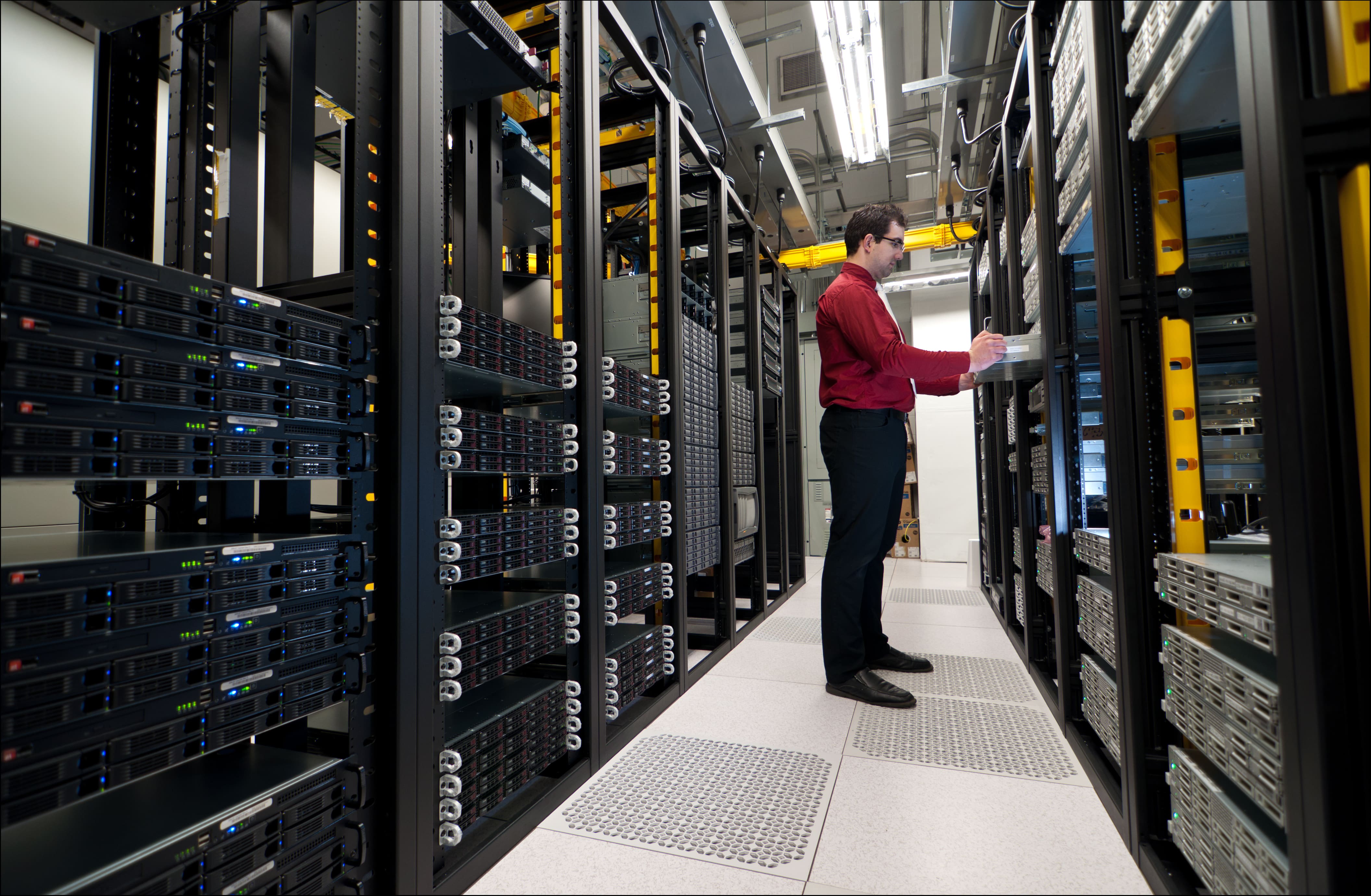 In the case of a hub, you simply have a common connection point for devices on your network. To put it in less technical terms: it is a dumb piece of equipment, meaning it does not have the same forwarding capabilities as a router. When a packet arrives at a port, it is copied to other ports, ensuring the entire LAN can see the packets in question.
Something important for aspiring technicians to understand today is that many routers are now multi-purpose and combine a myriad of different features. It is not uncommon to see a router that integrates the functionality of a router and a switch/hub into a single unit, though port availability (physical ports) will always be called into question. As a result of this technological development, we are seeing a blurring of the lines between routers and switches, which can make things extremely confusing. As you move through your information technology training, you will begin to learn more about the differences between said technologies as well as the similarities.
Hubs, Switches, and Routers at a Glance
Here is a simple way to compare the three devices:
- Hub: Works at the physical layer (Layer 1). It repeats every signal it receives to all of its ports, so every device on the hub sees all of the traffic.
- Switch: Works mainly at the data link layer (Layer 2). It learns the MAC address of each connected device and sends data only to the port where the destination device is connected.
- Router: Works at the network layer (Layer 3). It reads IP addresses and forwards data between different networks, such as your office network and the internet.
Why the Difference Matters
Understanding these devices is about more than vocabulary. Because a hub sends every packet to every port, it creates extra traffic and more collisions, which slows the network down. It also makes it easier for anyone on the network to capture data that was not meant for them. That is why hubs have largely been replaced by switches in modern networks.
Routers add another layer of control. Most business routers include features such as network address translation (NAT), access control lists, and firewall rules that decide which traffic is allowed in or out. When IT technicians troubleshoot a slow or unreliable network, knowing which device handles which job helps them find the problem faster.
How IT Students Practice With Network Equipment
Learning networking is a hands-on process. In a lab setting, students typically practice tasks such as:
- Building and testing network cables and connecting devices to switches.
- Configuring a router with IP addresses, subnets, and basic security settings.
- Setting up virtual LANs (VLANs) to separate traffic on a switch.
- Using commands such as ping and traceroute to troubleshoot connections.
According to the Bureau of Labor Statistics (BLS), there were 323,600 network and computer systems administrator jobs in 2025, and about 13,400 openings are projected each year, on average, from 2025 to 2035. The Associate of Occupational Studies (AOS) Degree in Information Technology at ITI Technical College covers networking fundamentals like these, so you can learn how hubs, switches, and routers work together in a real network.
As you can see, there is a lot to learn, and these are network components that would be considered very important, without a doubt. These technologies are constantly developing, making it more important than ever for you to get the right education if you are planning to enter the field of information technology. Even more importantly, however, you need to make sure that you obtain education from an accredited institution that can offer you a degree, where financial aid may be available to those who qualify.
For more, read information technology: basic roles and responsibilities. You can also learn more about this topic in is the U.S. behind other countries in information technology.
Are you ready to learn more? Are you ready to leave your old life behind and jump into the world of information technology? The example we have given you today is just a small piece of information in a massive pool of facts that you need to know to do your new job effectively. Call us today for more information and to get your brand-new career started.
For more information about graduation rates, the median debt of students who completed the program, and other important information, please visit our website: https://iticollege.edu/disclosures/